
These TRCN questions on ICT are all from its sub-topics in the TRCN EXAM SYLLABUS.
We have also covered each of the ICT sub-topic with detailed explanation in our TRCN notes.
TRCN ICT questions
Attempt the questions before checking the correct answer and explanation.
1. A teacher starting the day in the computer lab first powers on this part of the system.

A. Monitor only
B. System unit
C. Printer tray
D. Keyboard
SEE ANSWER ✅
Powering the system unit (CPU) starts the booting process, which loads the operating system and gives the other components what to display or process.
2. Practice that offers the most reliable protection against total file loss.

A. Keep all files in one folder on the desktop
B. Save files only on the local hard disk
C. Make regular backups to an external drive or cloud storage
D. Rename files every week
SEE ANSWER ✅
Backing up is the process of creating copies of files or document in a separate (external) location. This is the best protection against “total file loss” from hardware failure, theft or virus attack.
3. Before posting a group photo from class into a social platform, a learner shows digital respect by ______

A. seeking consent from people in the picture
B. ignoring all privacy concerns
C. sharing the image on many random sites
D. adding personal phone numbers under it
SEE ANSWER ✅
Digital respect starts with asking for permission before sharing someone else’s image online for their safety and privacy.
4. An electronic grade book created in a spreadsheet package is most likely saved as a file ending in _____

A. .xlsx
B. .pdf
C. .txt
D. .zip
SEE ANSWER ✅
- .xlsx is the standard file extension for Microsoft Excel spreadsheets.
- .zip is a “compressed” folder used to reduce file size or group multiple files together.
- .pdf (Portable Document Format) is used for viewing and printing.
- .txt is a “plain text” file.
5. For beginner teachers, software can best be described as _____

A. the physical case around the system unit
B. the written notes beside the computer
C. the programs and instructions that run on the computer
D. the power supply from the wall socket
SEE ANSWER ✅
Software consists of the “invisible” instructions that tell the hardware what to do. While you can touch the computer (hardware), you cannot touch software (MS Word, WhatsApp, Windows, etc).
6. A teacher who wants to create a table of scores and calculate totals should open a _____

A. media player
B. spreadsheet program
C. drawing tool
D. presentation viewer
SEE ANSWER ✅
A spreadsheet program (Microsoft Excel or Google Sheets) is designed for organizing data in rows and columns, as well as using formulas to automatically calculate totals, averages and percentages.
7. To type a long test paper for learners, the most suitable software in the ICT lab is a _____

A. word processor
B. database engine
C. file compressor
D. music editor
SEE ANSWER ✅
A word processor (Microsoft Word or Google Docs) is designed for creating, editing and formatting text documents.
8. Most complete description of an operating system.

A. A device that stores all user files
B. A program that protects the computer from viruses only
C. A set of programs that manages hardware resources and provides services for application software
D. A single program used only to type text documents
SEE ANSWER ✅
The Operating System (OS) like Windows, Android acts as the “manager” of the computer. It controls the hardware and runs applications.
9. In a basic setup, the device that turns digital work into paper copies for staff meetings is the ______

A. projector
B. speaker
C. printer
D. router
SEE ANSWER ✅
A printer is an output device designed to transfer digital data (text and images) from a computer onto physical paper.
10. After entering scores, the printed report sent to the head teacher represents ______

A. raw data
B. input only
C. processed information
D. temporary memory
SEE ANSWER ✅
- Data (input): raw scores entered into the system (e.g. 70, 55, and 80).
- Information (output): processed final report (e.g. totals, average, positions).
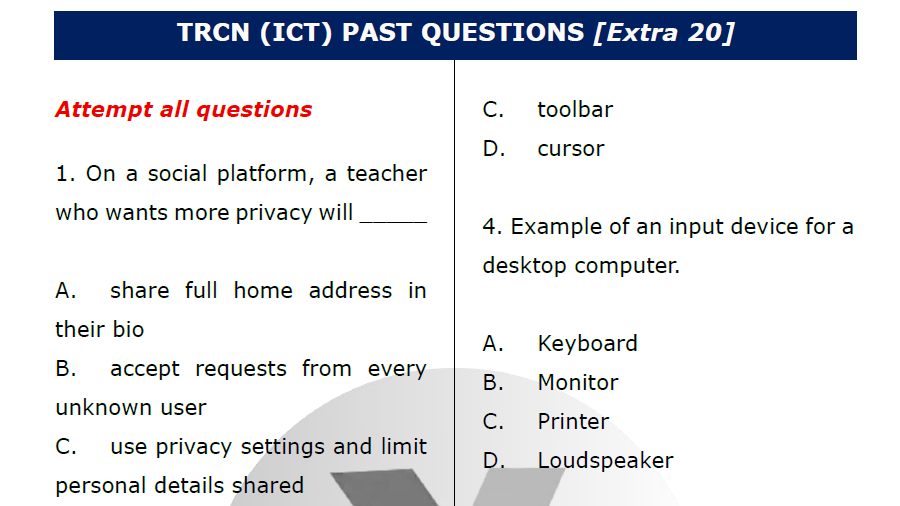
Download TRCN questions on ICT PDF
Get e-Notes and CBT
Did you fail many of the TRCN ICT questions above?
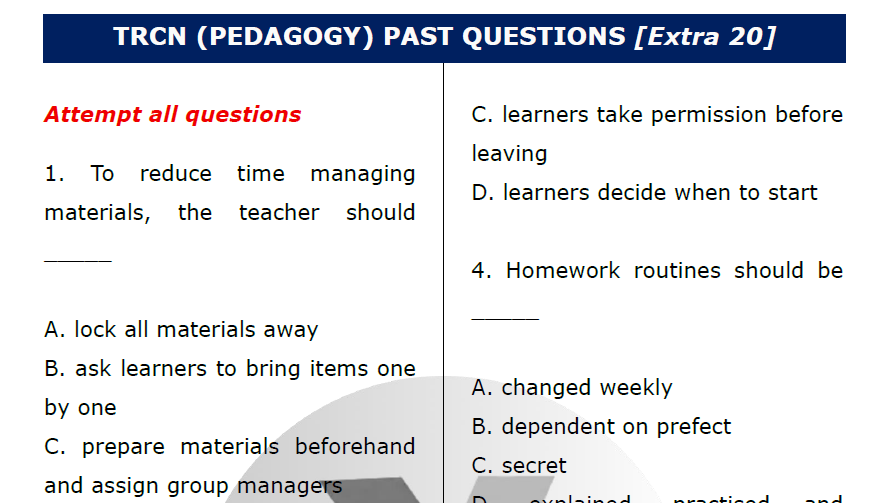
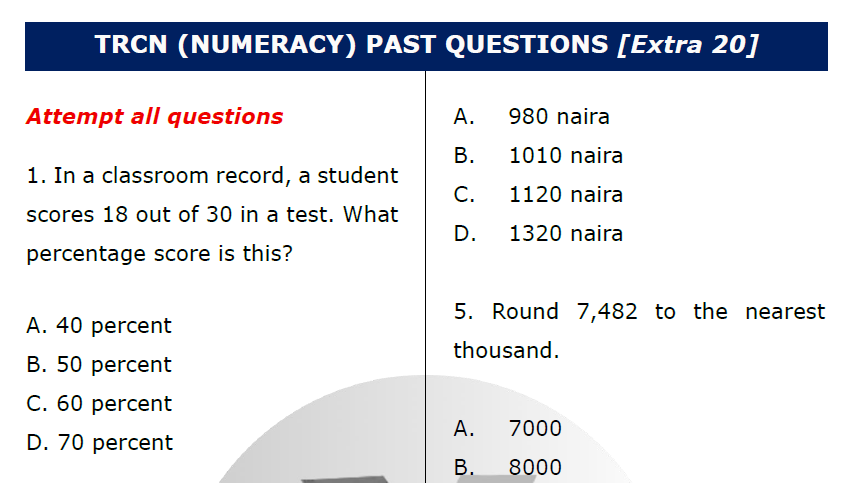
Or would you like to practice questions on all the (5) TRCN topics (Pedagogy, Numeracy, Literacy, ICT and Safeguarding) in CBT format instead?

I can’t type out the answers to know if I’m right or wrong..
I paid for the e notes and past questions,I still can’t access it.
Ma’am, you won’t be TYPING any answer in your real TRCN exam. They are all going to be objective questions, and that’s why we made this practice like that too.
Just select the option you think is correct and see the NEXT question.
You’d have to finish the questions for that session to see the right and wrong answers.