
If you got your TRCN CERTIFICATE before 2025, you’re most likely holding the old paper copy that looks like this…
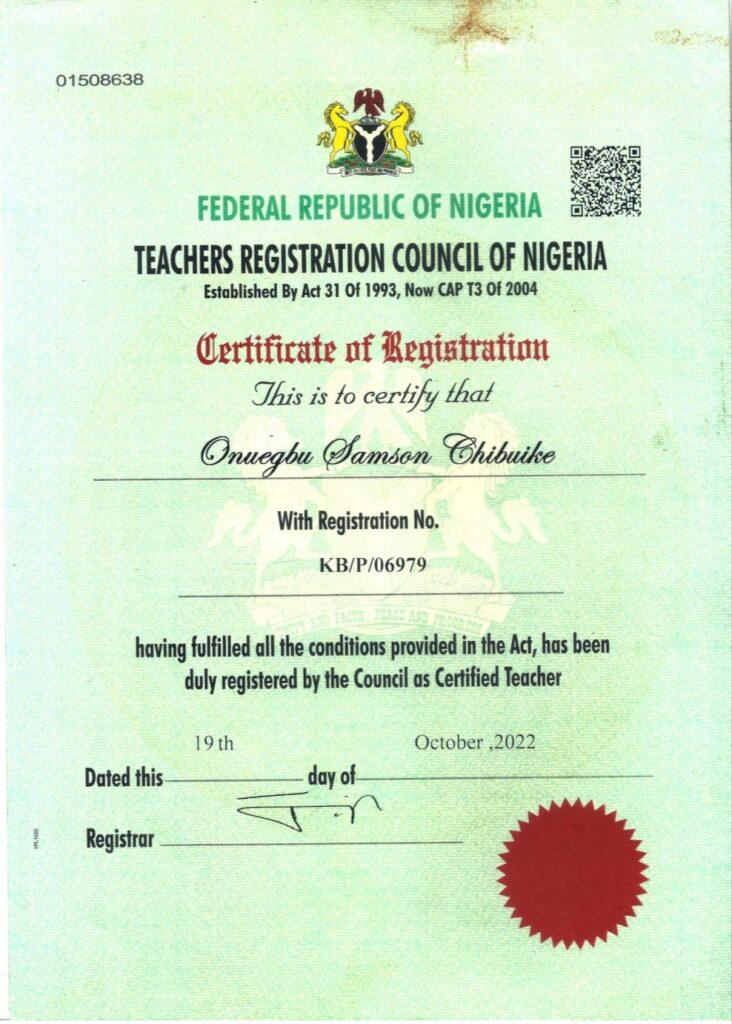
TRCN has gone ‘digital’ with its processes, from the EXAM REGISTRATION to certificate and license collection.
What this means for you…
The implication is that your old TRCN certificate is not on the records in TRCN database online.
And when anyone seeks to verify your teaching status on TRCN portal, it will show “Not certified“ or “Unregistered“ even though you have certificate.
Again, this is because you’re yet to validate your TRCN certificate, so your data is not in the online records.
See how to update TRCN online
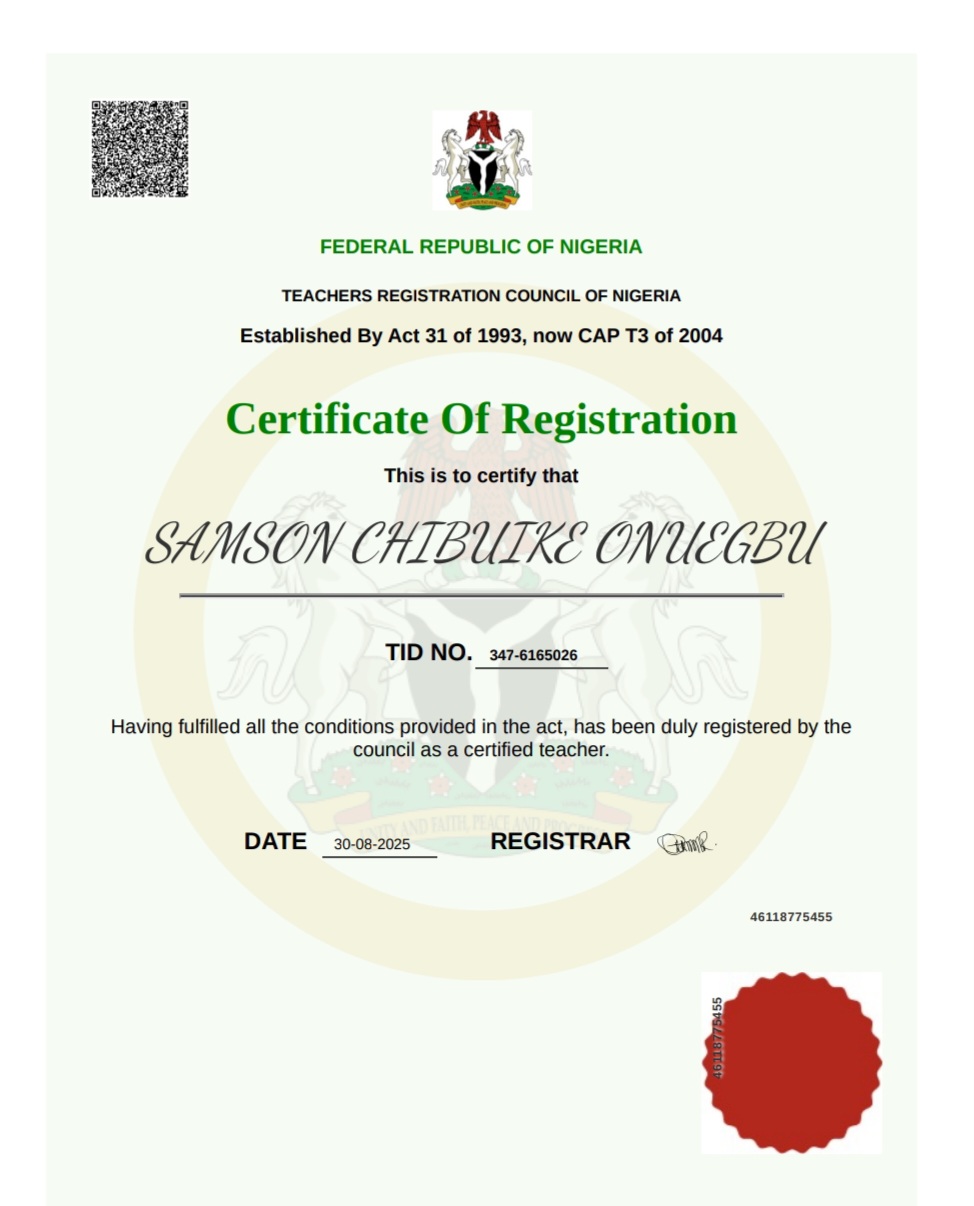
Follow these steps to validate your TRCN certificate, update your professional records and get the new digital certificate that looks like this…
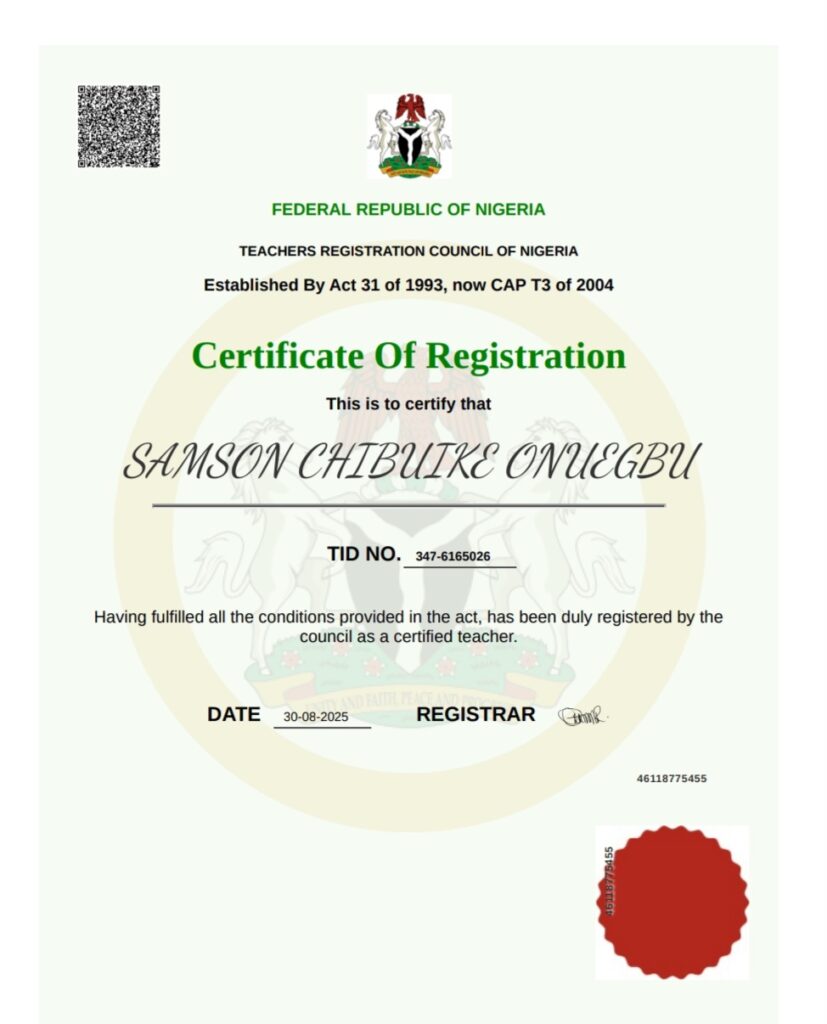
1. Create profile
Visit the TRCN portal: https://teachers.trcnigeria.ng, click SIGNUP and follow the prompts to create your profile.
2. Upload certificate
Click UPDATE NOW under ‘Certificate Verification’.
Select ‘I have TRCN certificate’ and click NEXT.
Click VERIFY CERTIFICATE, enter your TRCN certificate details as requested and upload a snapped or scanned image of that your TRCN paper certificate.
3. Wait for verification
After your upload, click SUBMIT and wait (few days to a week) for your certificate to be verified.
Upon verification, a digital copy of your certificate will be available for download.
Download it immediately because once you leave and return, the portal will demand that you GET THE TRCN LICENSE before anything else.
What next after you validate your TRCN certificate?
After updating and validating your TRCN certificate, proceed to license.
If you have the physical TRCN license that is still valid (not expired), follow the same steps to validate it.
But if you’re without the license, SEE HOW TO GET ONE or if it has expired, RENEW IT NOW.
GOOD LUCK.
Was this post helpful or do you have other enquiry on how to validate TRCN certificate online? Let us know in the comments.


Leave a Reply