
Core digital competencies is not just about owning a device, but understanding the ability of technology to solve classroom problems.
This note covers computer hardware, software and file management as well as the ability to troubleshoot basic issues.
1. Basic operating systems
Before you can teach with a computer, you must understand how to manage it.
Operating System (OS)
Whether it’s Windows, macOS, or Android, the OS is the software that manages your hardware and runs your apps.
Graphical User Interface (GUI)
You should know your way around the Taskbar (Windows) or Dock (Mac) to find apps quickly.
Troubleshooting
If an app freezes, use Task Manager (Ctrl + Alt + Del) on Windows or Force Quit on Mac to clear the “digital traffic jam.”
2. Cloud storage and productivity tools
A 21st-century teacher does not rely solely on a USB drive that can get lost or infected.
Cloud storage
Tools like Google Drive and OneDrive allow you to save your lesson notes online.
This ensures your work is accessible from any device and is never truly lost if your laptop breaks.
Productivity trio
- Word Processors (MS Word/Google Docs) for long-form text like lesson notes.
- Spreadsheets (Excel/Sheets) for grading, attendance and average scores.
- Presentations (PowerPoint/Slides) for visual storytelling in the classroom.
3. Use of search engines
“Just Google it” is no longer enough for a professional teacher.
Be an Information Architect.
Boolean operators
When browsing on search engines:
- Use quotes (” “) for exact phrases.
- Use the minus sign (-) to exclude irrelevant words.
- Use filetype:pdf to find direct documents like textbooks.
The CRAAP test
Always evaluate web info for:
- Currency
- Relevance
- Authority
- Accuracy
- Purpose
If a site ends in .gov or .edu, it is more trustworthy for school use.
4. Using E-mail and video conferencing
Remote and blended learning are here to stay and a teacher must master:
Asynchronous communication
- E-mail: use BCC (Blind Carbon Copy) to email many parents at once while protecting their privacy.
Synchronous communication
E.g. Zoom/Google Meet/Teams
- Safety: Always use Waiting Rooms to vet who enters your virtual class.
- Management: Use “Mute on Entry” to keep the focus on the lesson.
5. Collaborative document tools
The greatest power of ICT is Collaboration.
Using Google Docs or Office 365 online changes the workflow.
- Multiple teachers can build a scheme of work together in one file.
- Use “Version History” to see ‘which student did what’ in a group project.
- Know when to set a student as a Viewer (read-only) vs. an Editor (can change text).


I’ve paid for past questions on ICT but can’t access the questions. Why?
Good day, Ma’am.
The link to practice the ICT questions is in your profile here or you can click the link below to get started.
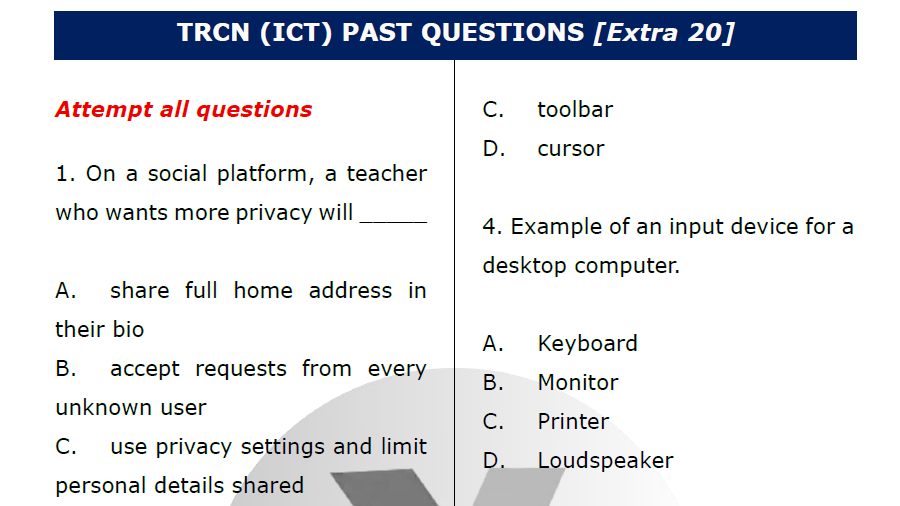
Practice TRCN questions on ICT (GET e-Notes too)